
Create a Share Link
If you need a share link and don’t already have one, the procedure for this step can be found at this link.
Back to Top[CONDITIONAL] If Ticket is Existing
A) Click the Freshdesk Support Request Link in the task list’s description
B) Scroll down to the bottom and click “Reply”
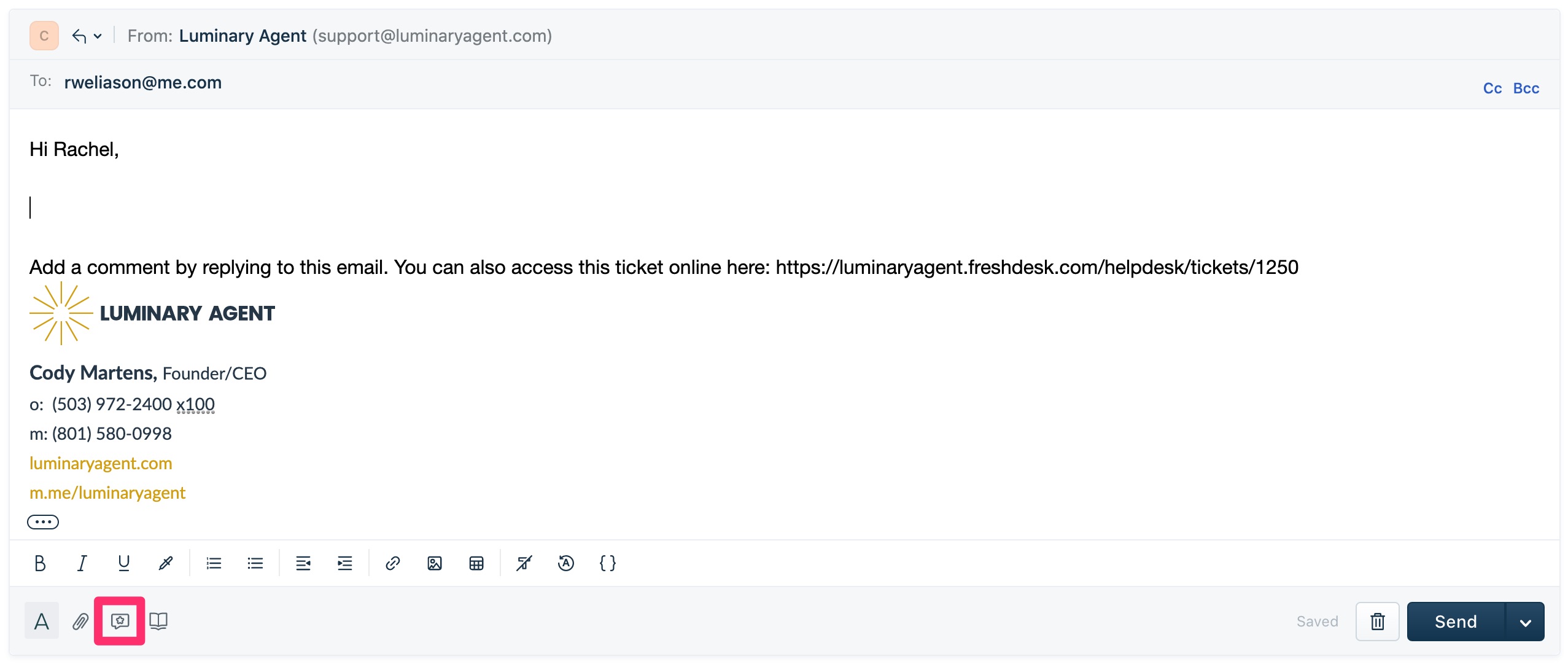
C) Make sure your cursor is in the correct position then click “Canned Responses”
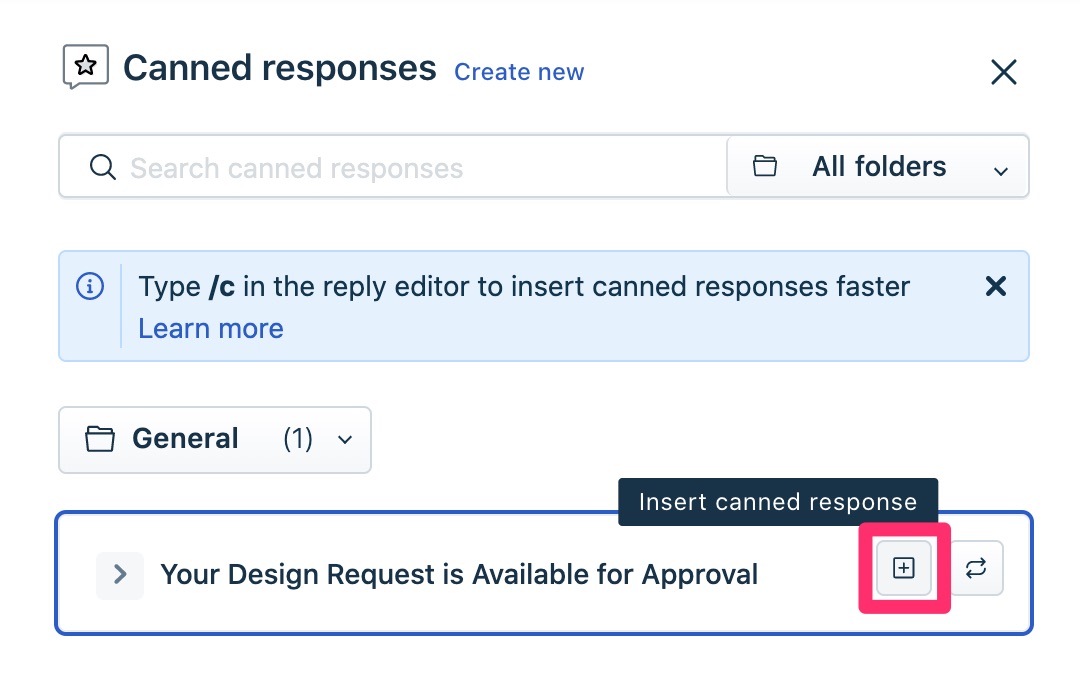
D) Click “Insert Canned Response” next to the canned response you need
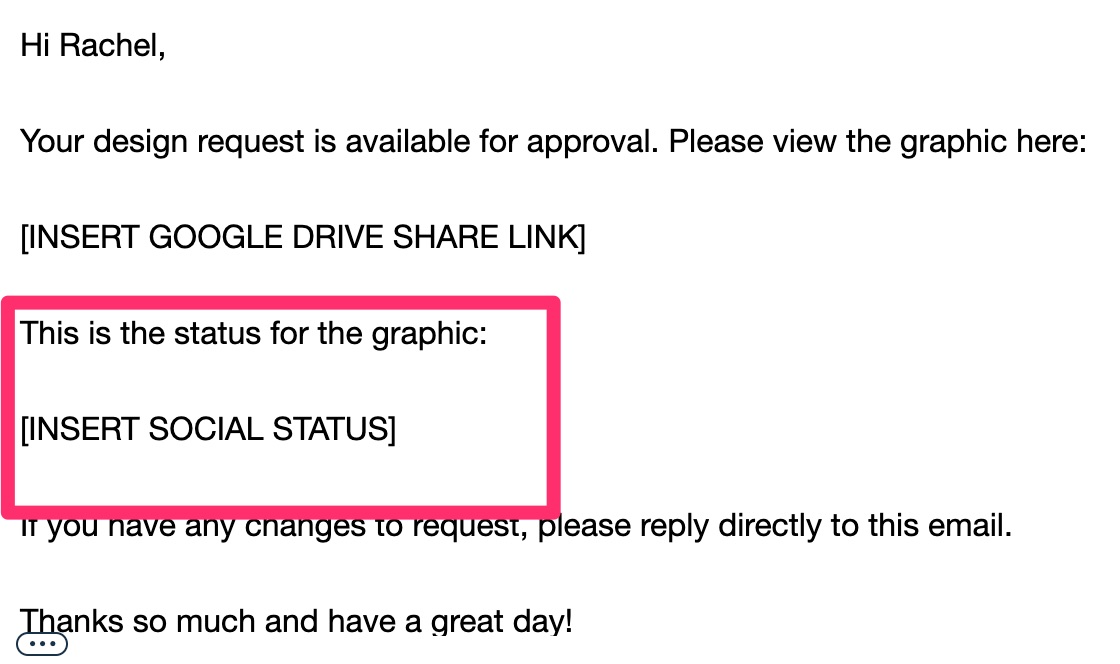
E) Replace all of the placeholders and delete any unnecessary sections from the canned response
[CONDITIONAL] If Ticket is New
A) In Freshdesk, click New > New Email
B) Insert two blank lines above the email signature and place your cursor at the top
C) Click “Canned Responses”
D) Click “Insert Canned Response” next to the canned response you need
E) Replace all of the placeholders and delete any unnecessary sections from the canned response