
1
Download the Contact Lists
A) Go to KW Command at this link and login using the client’s credentials from 1Password
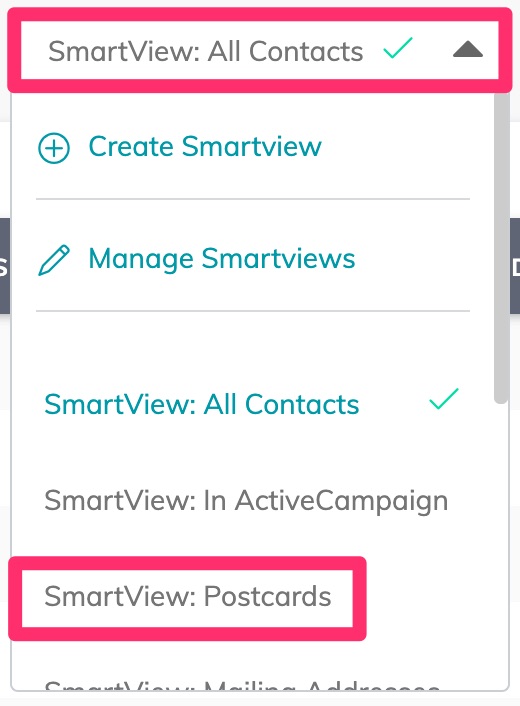
B) Click on the SmartView dropdown and select “SmartView: Postcard Export”
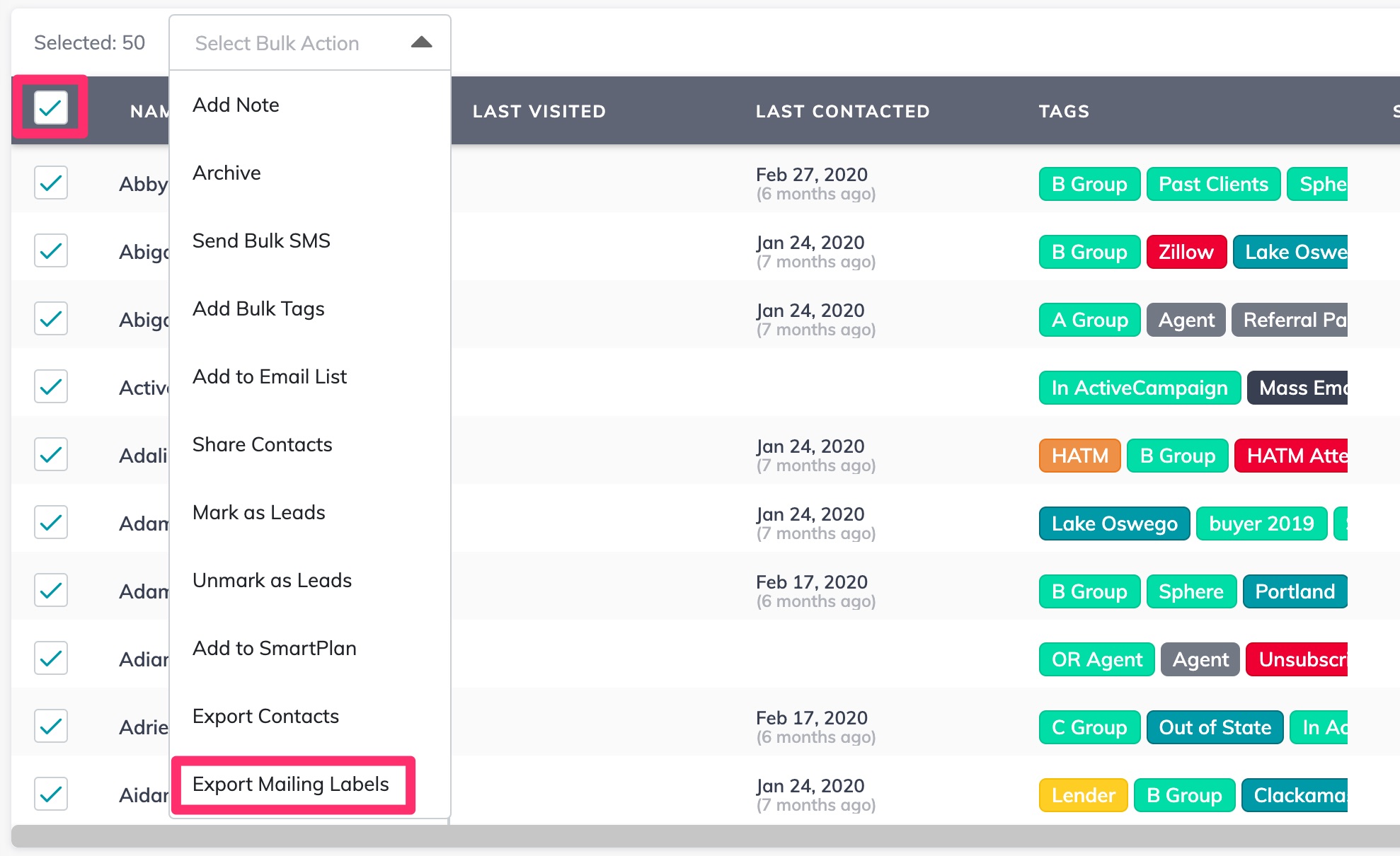
C) Check the “Select All” box at the top of the list, then click the drop-down that appears and select “Export Mailing Labels”
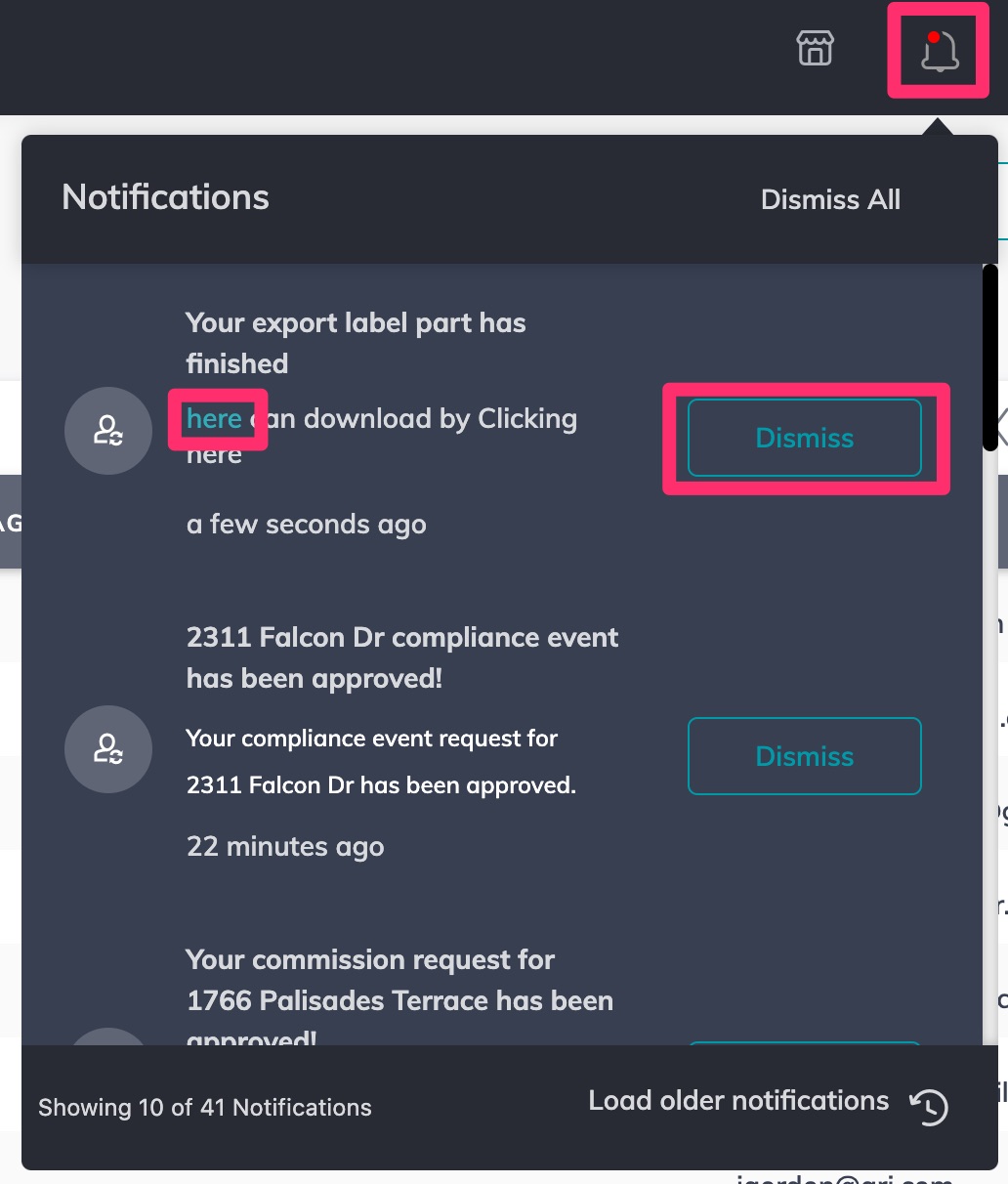
D) Click on the bell icon, then click the “here” link to download the file. Once the file downloads, click “Dismiss”
E) If there are more than 500 contacts in this SmartView, click the next page icon to go to the next page
F) Repeat steps C and D for EACH PAGE until all contacts are downloaded
Back to Top
2
Combine the Files
A) Open each file you downloaded and combine all of the downloaded records into one file
Back to Top