
Login and Go to Birthdays
A) Login to the Remote Desktop
B) Login to the client’s Facebook account using the credentials in 1Password
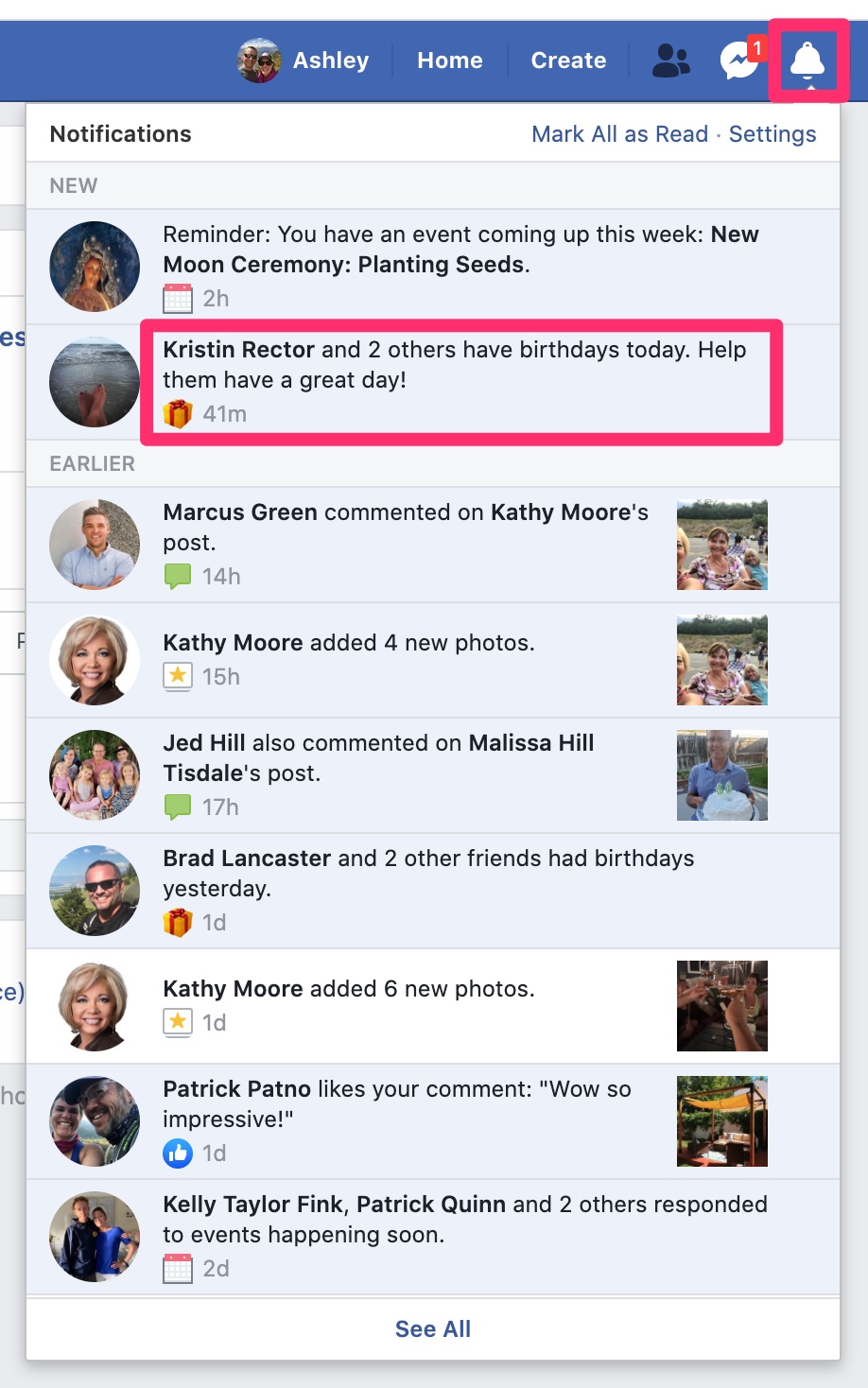
C) Click on the Notification bell in the top-right corner
D) Look for the daily notification of birthdays today and click on it
Copy the Client's Birthday Message
A) Open the client’s contact record in Airtable and find the “Birthday Message” field
B) Copy the birthday message
Back to TopMessage Each Person
For each person who has a birthday today:
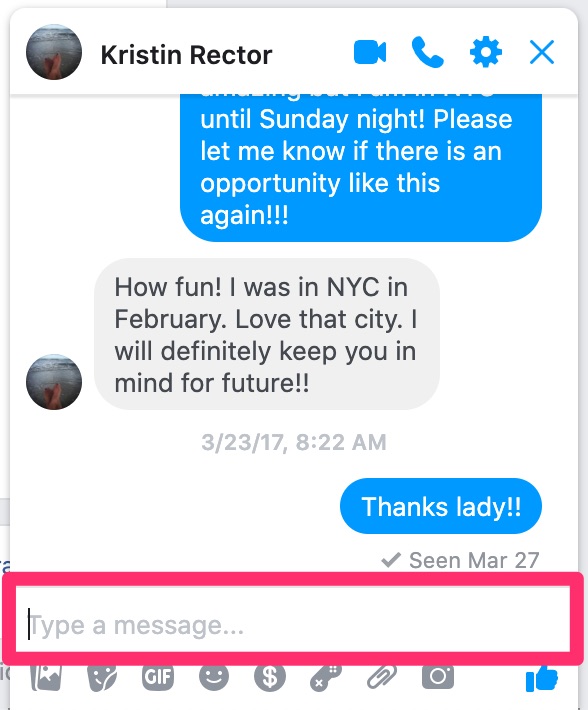
A) Hover over their name and, when the dialog box appears, click “Message”
B) Paste the birthday message into the message box and press “Return” on your keyboard
Log Birthdays in Command
For each person whose birthday is today, do the following:
A) Login to the client’s KW Command account at this link using the login credentials in 1Password
B) Click on “Contacts”
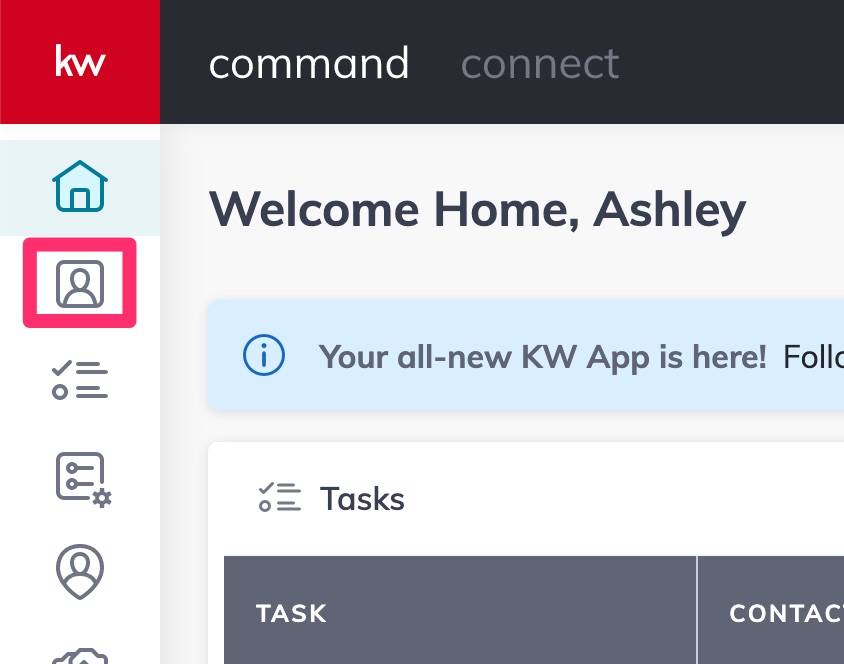
C) In the search bar, search for the person’s name
D) If the person is found, click on their name to enter their contact record
NOTE: If the person is NOT found, do not add them. Simply skip them and go to the next person.
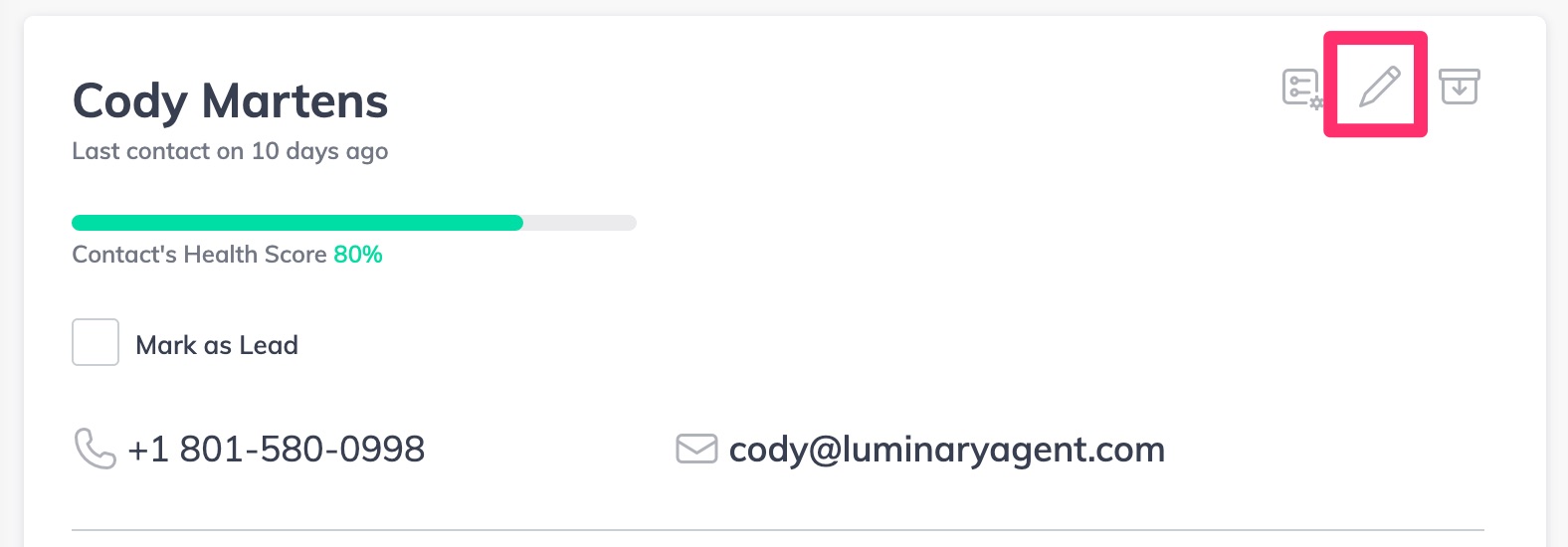
E) Click the pencil icon to edit the contact
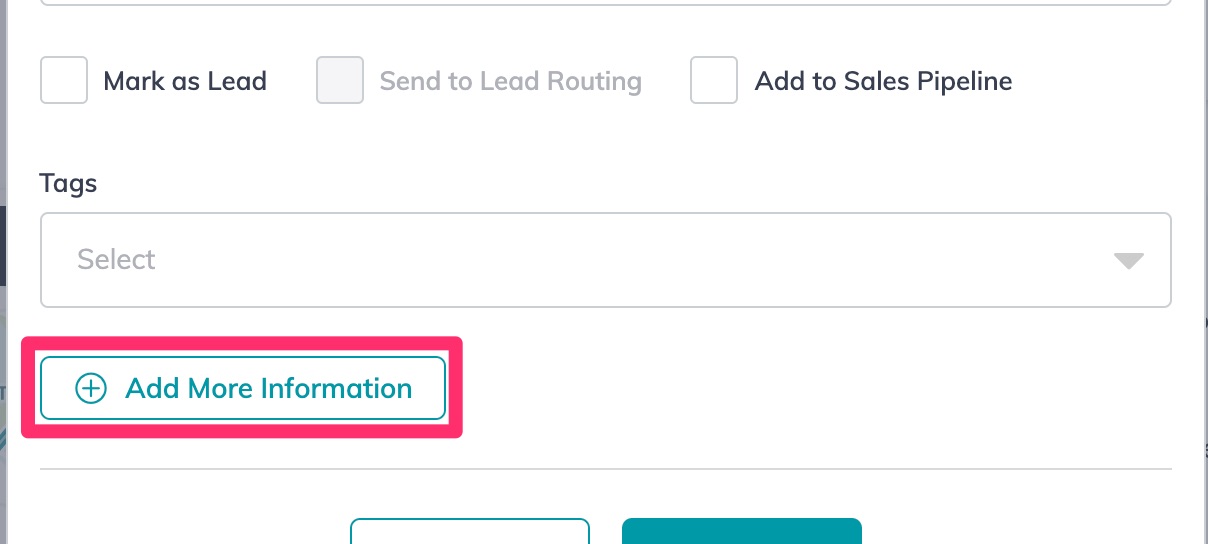
F) In the dialog box that appears, click “Add More Information”
G) Click to expand the “About” section and enter the client’s birth month and day
H) Scroll to the bottom of the dialog box and click “Save”
Back to Top